¶ SVG Brick Generator – Print Templates for the EufyMake E1
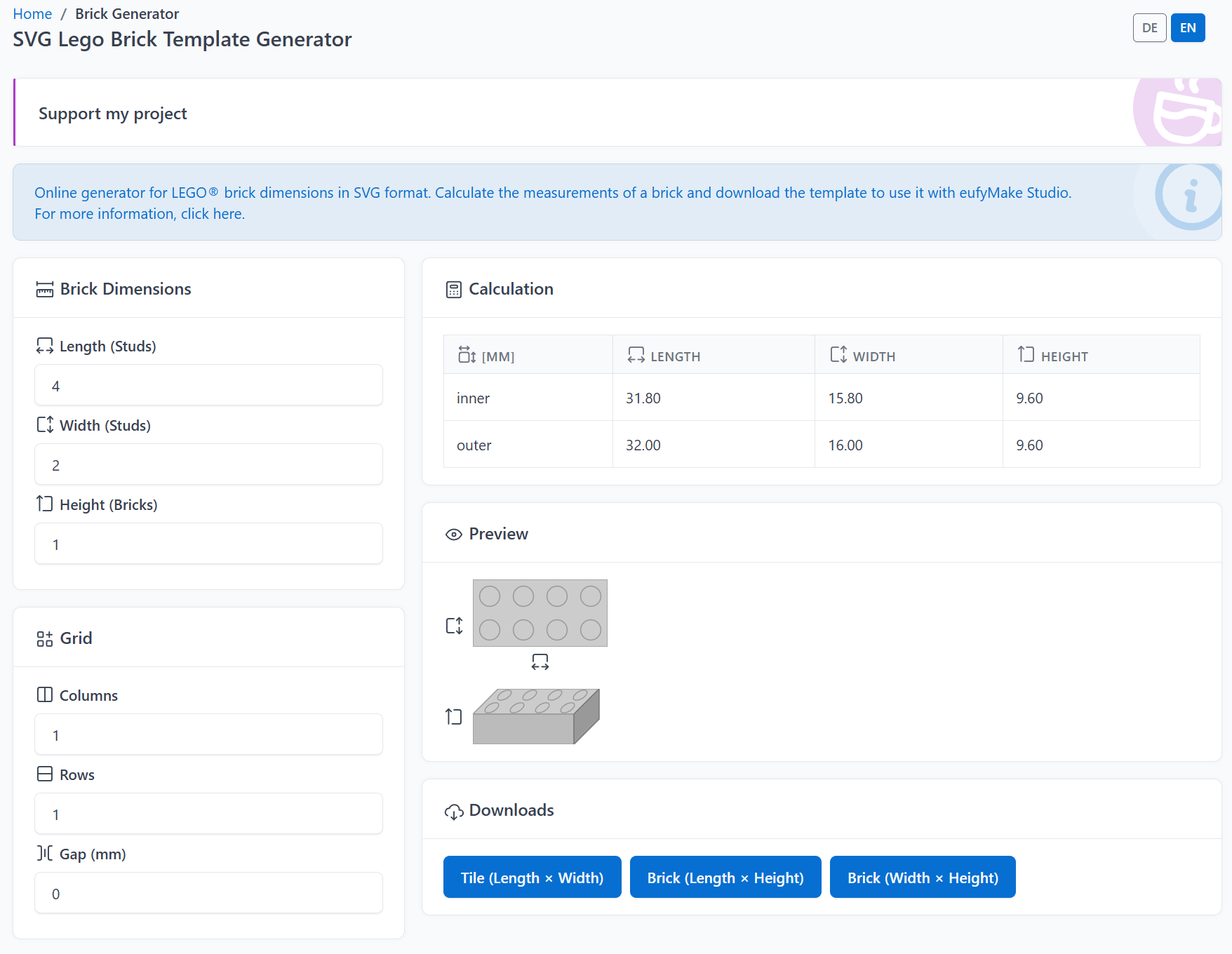
The SVG Brick Generator creates the exact geometry of any LEGO® brick as an SVG file in seconds. Download the template and drag & drop it straight into EufyMake Studio, then position it precisely (e.g. using Zero Point positioning) and print the brick.
Live tool: brickbank.app/en/tools/svg-brick-gen/
¶ What is this tool for?
LEGO bricks have standardized dimensions, but UV printing with eufyMake Studio needs an exact, true-to-scale template of the printable surface, not eyeballed, but based on real brick dimensions including manufacturing tolerance. That's exactly what this tool does:
- You enter the brick dimensions in studs (length/width) and bricks (height).
- The tool automatically calculates the measurements in millimeters. Once as the inner (tolerance-adjusted, real printable) size, and once as the outer (nominal grid) size.
- You download the face you need as an SVG and import it into EufyMake Studio.
¶ Entering the brick dimensions
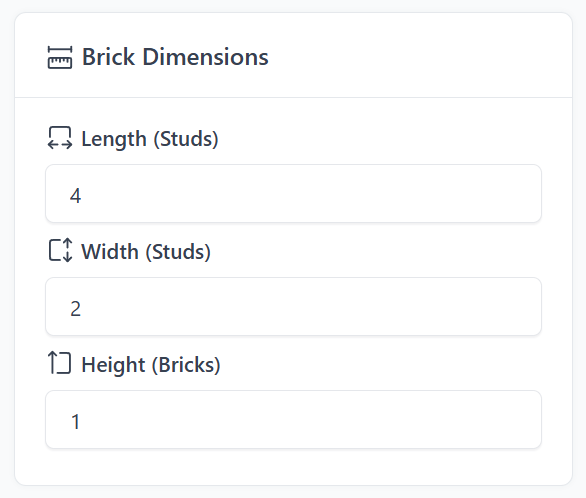
- Length (Studs) – number of studs along the length
- Width (Studs) – number of studs along the width
- Height (Bricks) – number of brick height units (1 = a standard brick, plates aren't supported yet)
The calculation updates live as you type. You see the result immediately in the table and the previews below, no button needed.
¶ Calculation: inner and outer dimensions
The result table shows two rows:
| Length | Width | Height | |
|---|---|---|---|
| inner | tolerance-adjusted | tolerance-adjusted | = outer height |
| outer | studs × 8.0 mm | studs × 8.0 mm | bricks × 9.6 mm |
- The outer size is the nominal grid size (stud pitch 8.0 mm, brick height unit 9.6 mm).
- The inner size subtracts the real manufacturing tolerance of a LEGO brick (0.2 mm). This is the area that should actually be printed, so the print doesn't extend past the brick's edge. For borderless printing, choose your own separate bleed (overprint) distance.
- Height has no tolerance, inner and outer height are identical.
Tip: For printing, the inner row is usually the relevant one. It matches the brick's actual physical surface. For the grid, the outer row is the relevant one.
¶ Preview
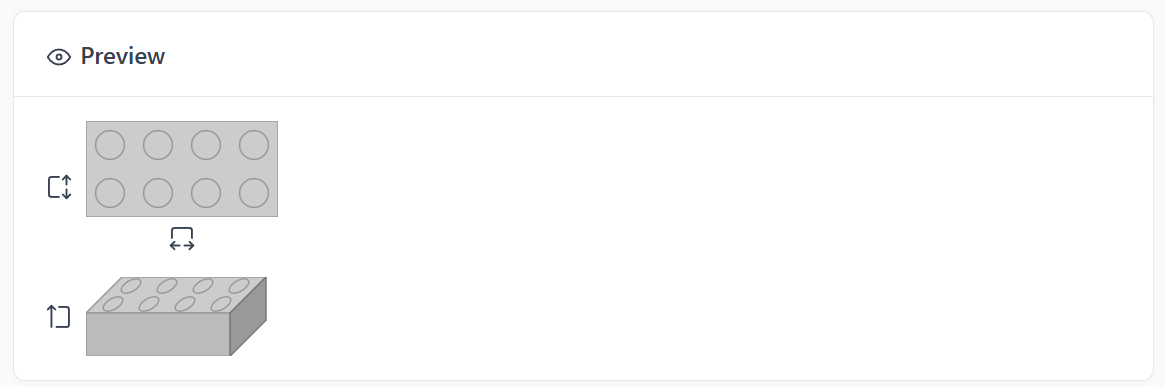
Right below the calculation you'll find two previews that update live as you type:
- 2D preview – a top-down view with all the studs, showing exactly how the brick looks from above.
- Isometric preview – a simple 3D mockup that shows at a glance how length, width, and height relate to each other.
The small icons next to the previews show which axis corresponds to which input value (length, width, or height).
¶ Grid – print multiple pieces at once
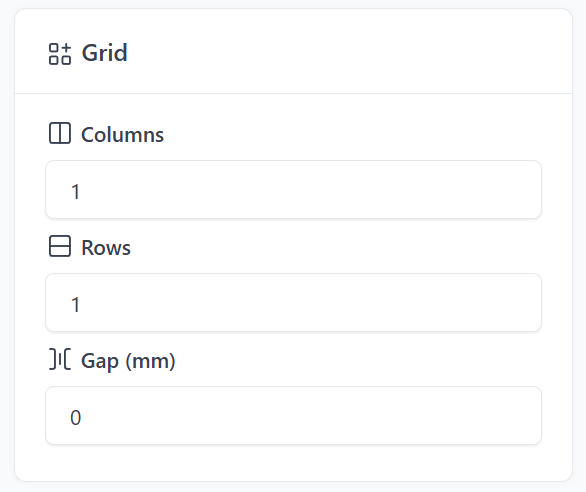
If you want to print several identical tiles/bricks at once, use the grid:
- Columns / Rows – how many copies side by side / stacked
- Gap (mm) – spacing between the individual copies (default: 0 mm, directly adjacent), e.g. when snapping them together on a baseplate
The copies alternate between a slightly lighter/darker shade (checkerboard pattern). This is purely to tell them apart in the preview/file, it has no effect on the actual print.
Important: each individual tile in the grid is its own separate element in the SVG file. This lets EufyMake Studio recognize and catch each tile individually. To actually move, rotate, or position each piece independently, instead of dealing with one large connected shape, you first need to ungroup the imported group (right-click, then "ungroup"). This ungrouping step is not required just to catch the individual tiles.
¶ Downloads

A brick has three different faces you can download individually:
| Button | Face | Filename |
|---|---|---|
| Tile (Length × Width) | top of the brick | Tile_{L}x{B}.svg |
| Brick (Length × Height) | front face | Brick_{L}x{H}.svg |
| Brick (Width × Height) | side face | Brick_{B}x{H}.svg |
The top face (Tile) additionally shows a red contour marking the tolerance boundary. This is omitted on the other two faces, since height has no tolerance.
¶ Language
Use the DE/EN toggle in the top right of the page.
¶ Workflow in EufyMake Studio
- Enter the brick dimensions in the generator, check the preview.
- Download the face(s) you need as SVG (optionally with a grid for multiple copies).
- Drag & drop the SVG file into EufyMake Studio.
- Select the element and enable the Skip Printing option on the right side.
- Use Zero Point positioning (or manual placement) to move it to the correct spot on the print bed.
- Position the artwork you want printed on the tile.
- Start printing.
Tip: If in doubt, download a few variants (with and without a grid, different gaps) and compare them directly in EufyMake Studio before printing.